Guests
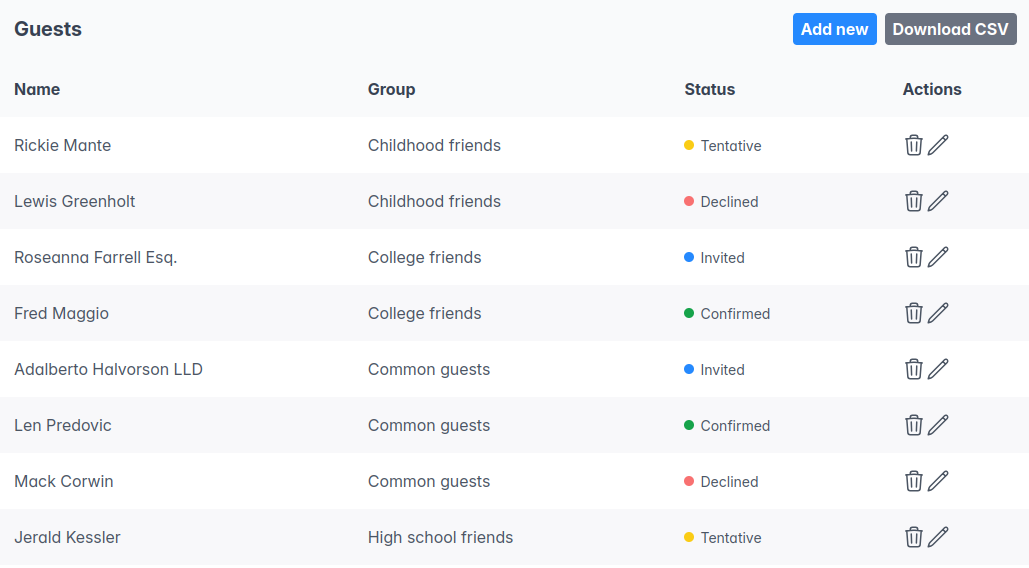
This page contains a table with the guest name, group, status, and a few actions that can be performed on the guest:
- Delete, which will completely remove the guest from the system, including any table distribution they may be part of.
- Edit, which will open a form to edit the guest.
In the top right corner there are two buttons:
- "Add new" allows the creation of a new guest.
- "Download CSV" downloads a file in CSV format with all guest information (name, group, menu choices, restrictions, etc.)